
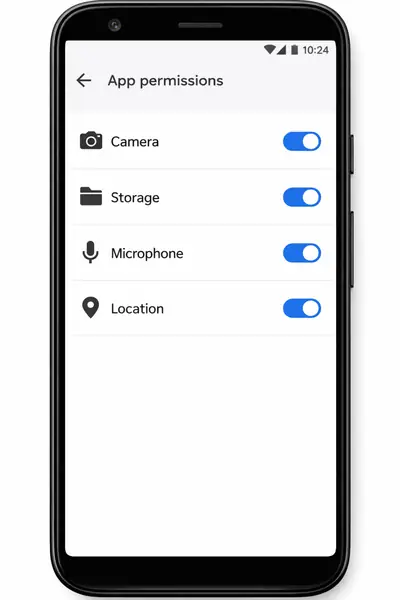
The full list from the manifest
The package declares: Internet, network state, wake lock, foreground service, advertising ID (plus ad-services variants), billing, and the install-referrer service. That is the complete set; nothing else appeared during testing. These match the file facts listed on the Delta Emulator download site.
What each one does
Storage (requested at runtime): reads your ROM files and writes saves; the app cannot function without it. Internet and network state: serve ads and check for updates. Wake lock and foreground service: keep emulation alive when the screen would sleep. Advertising ID: lets the ad network measure ads. Billing: powers the optional in-app purchases.
What you can deny
The advertising ID can be reset or limited in Android's privacy settings with no effect on gameplay. Everything else the app genuinely uses. If a future version ever asks for location, contacts, or SMS, treat that as a red flag and check the safety breakdown before updating.
The hygiene rule
Review permissions again after every update: open the app info screen and confirm the list still matches the manifest. Five seconds, twice a year, and you will never be surprised.