Sideloading to the TV
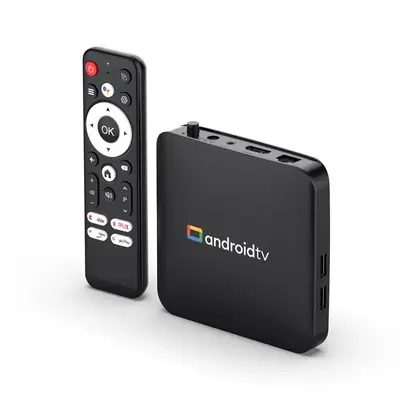
Android TV has no touch screen and no built-in XAPK support. The reliable path: get the Delta Emulator XAPK on your phone, send it to the TV with a file-transfer app, then open it with a TV-compatible file manager and an XAPK installer. Allow unknown apps for the installer when the TV asks.
A gamepad is mandatory
Pair a Bluetooth controller (Xbox, PlayStation, or 8BitDo all work) before launching the app. Map every button including the menu and save-state keys, because you cannot reach for a touchscreen mid-game. The controller guide covers mapping in detail.
Big-screen display settings
On a 55-inch panel, integer scaling with a subtle CRT filter looks best; stretch-to-fill makes pixels smear. Set the aspect ratio to match the original system (usually 4:3) and sit back: letterboxing beats distortion. If frames drop, the performance tweaks apply here too, and TV boxes are often weaker than phones.
Getting ROMs onto the TV
Use a USB drive or your home network share: copy your legally-owned game files to the TV's storage, point the emulator's library at that folder, and rescan. Keep the library on the TV rather than streaming it; network hiccups cause exactly the stutter players blame on the emulator.